

AI Companion Apps with Custom Avatars: Cast Your Own
The Episode Ends, and You Want a Lead of Your Own
Every GoLove Series episode ends the same way. The screen cuts out, and under the player a button offers to start chatting with the cast. Most people searching for custom avatars are already one thought past that button: what if I cast the lead myself?
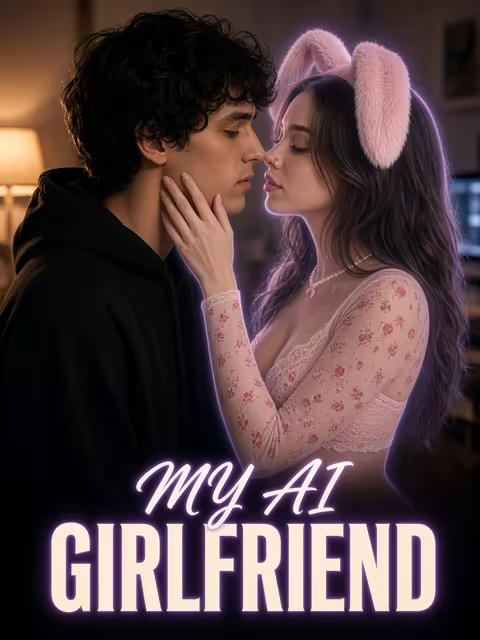
Take "My AI Girlfriend." It runs 7 episodes and stars Lexie (@iamlexiebabe). A black box lands on Milo's doormat, and inside are glasses that bring his perfect girl to life, on an account that isn't his. Episodes 1 and 2 are free, even without an account. When an episode ends, four buttons sit under the player: Follow Series, Start Chatting with the cast, Create Video and Create Image. That row is the whole job description. Lexie doesn't stop when the credits roll. She keeps performing in chat, in photos and in clips.
That's the bar. A custom avatar that looks great in an editor and turns into a stranger by the third photo isn't a lead. It's a headshot.
My pick for this search is GoLove.ai. A character you build gets the same photo and video tools the Series cast gets, and nothing else I'd point you to makes that promise as directly.
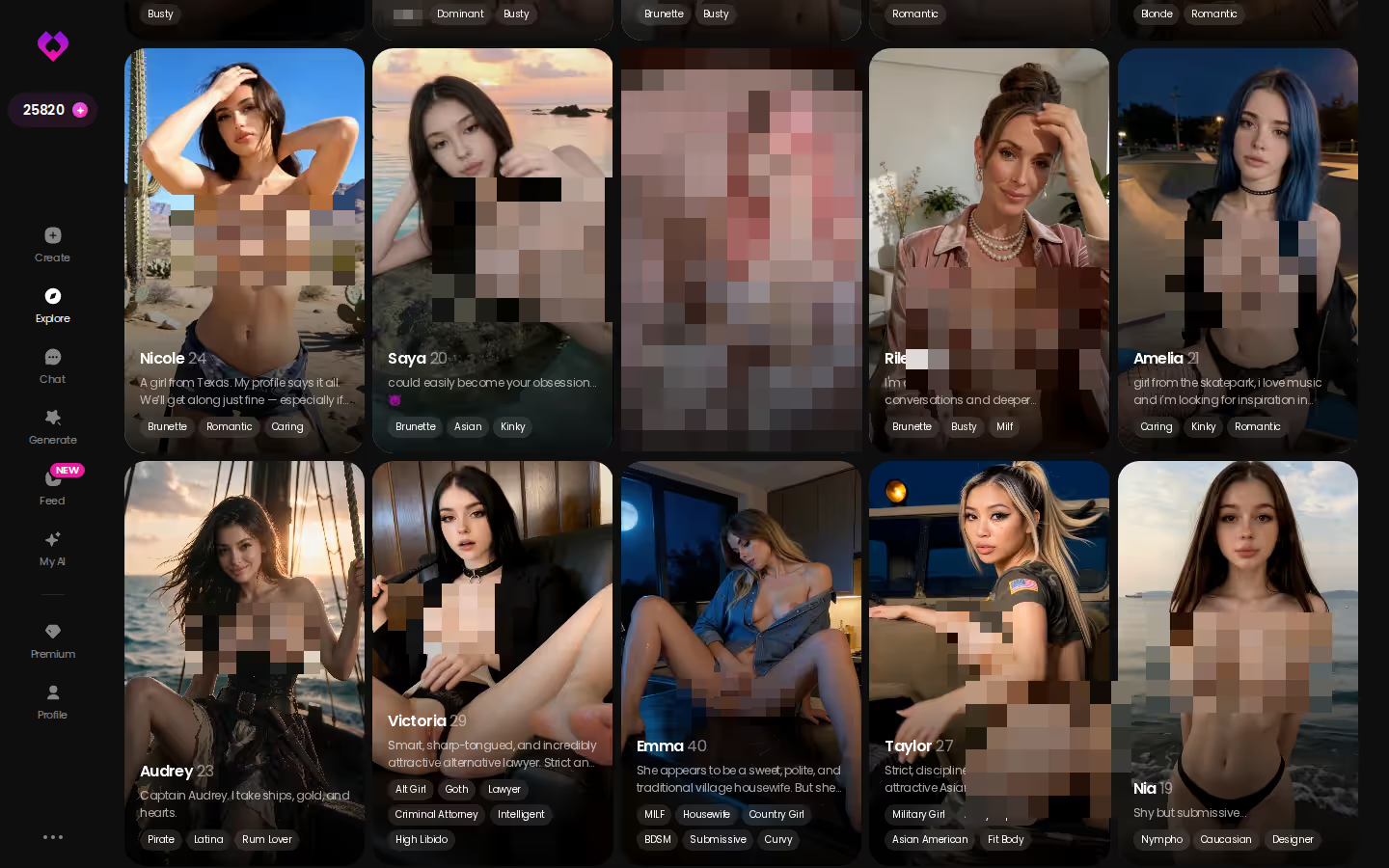
So before you build anyone, look at who's already on set. Explore is where the cast lives. Each profile shows what a finished character looks like: her bio, her photo library, her video library. That gives your own brief a benchmark to beat.
Casting Her in the Create Wizard
Casting starts with a style, not a face. The wizard asks for it first, and I think it has the order right.
ASK HER FOR PHOTOS
She sends them right there in the chat.
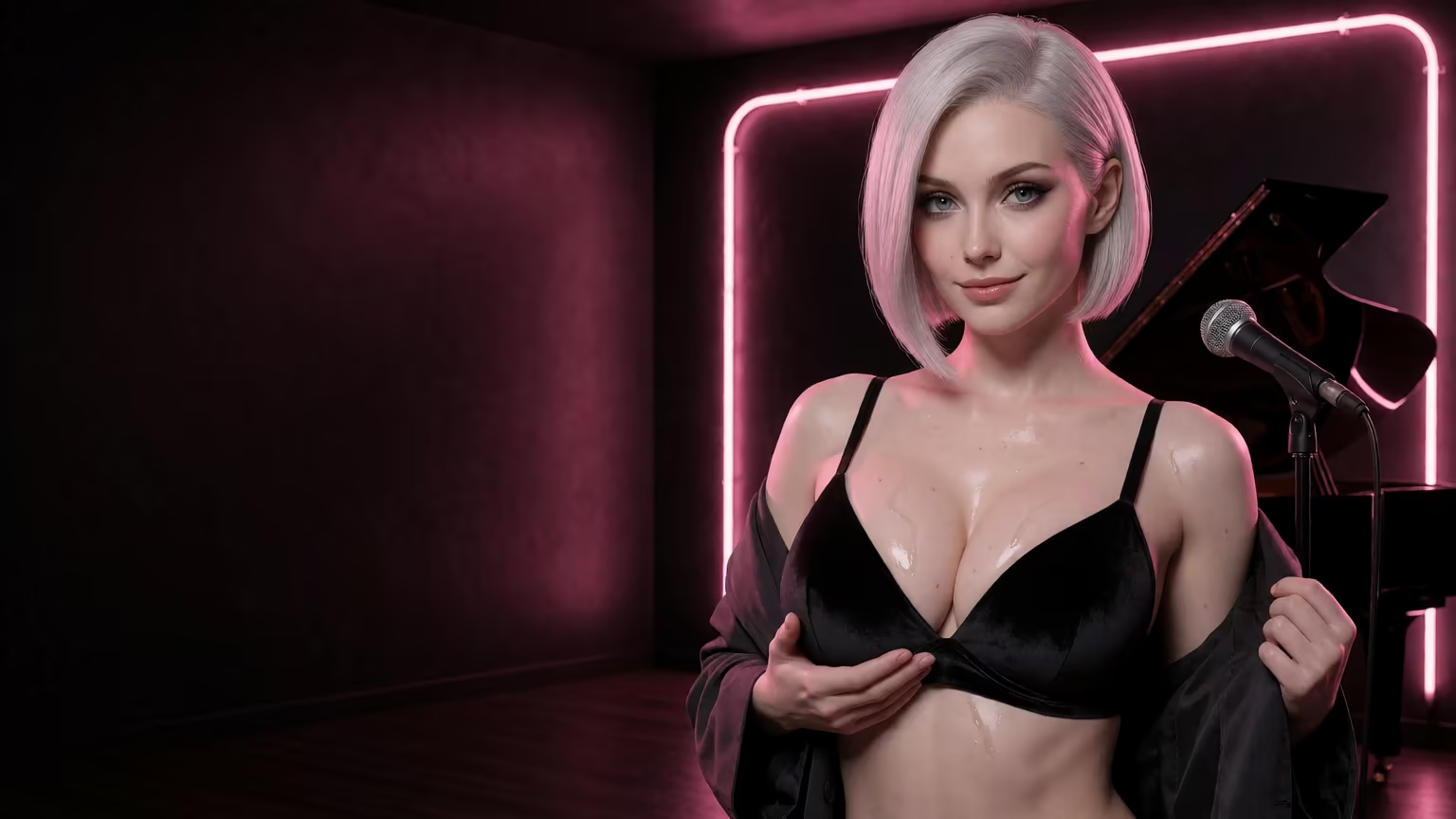
- Tap Create in the mobile bottom nav, in the row that reads Explore, Chat, Create, Generate, Feed.
- Choose a style: Realistic, Anime or Trans.
- Hit Continue and work through the rest of the wizard.
 5 episodes
 5 episodes
 5 episodes
 5 episodes
 7 episodes
 6 episodes
 9 episodes






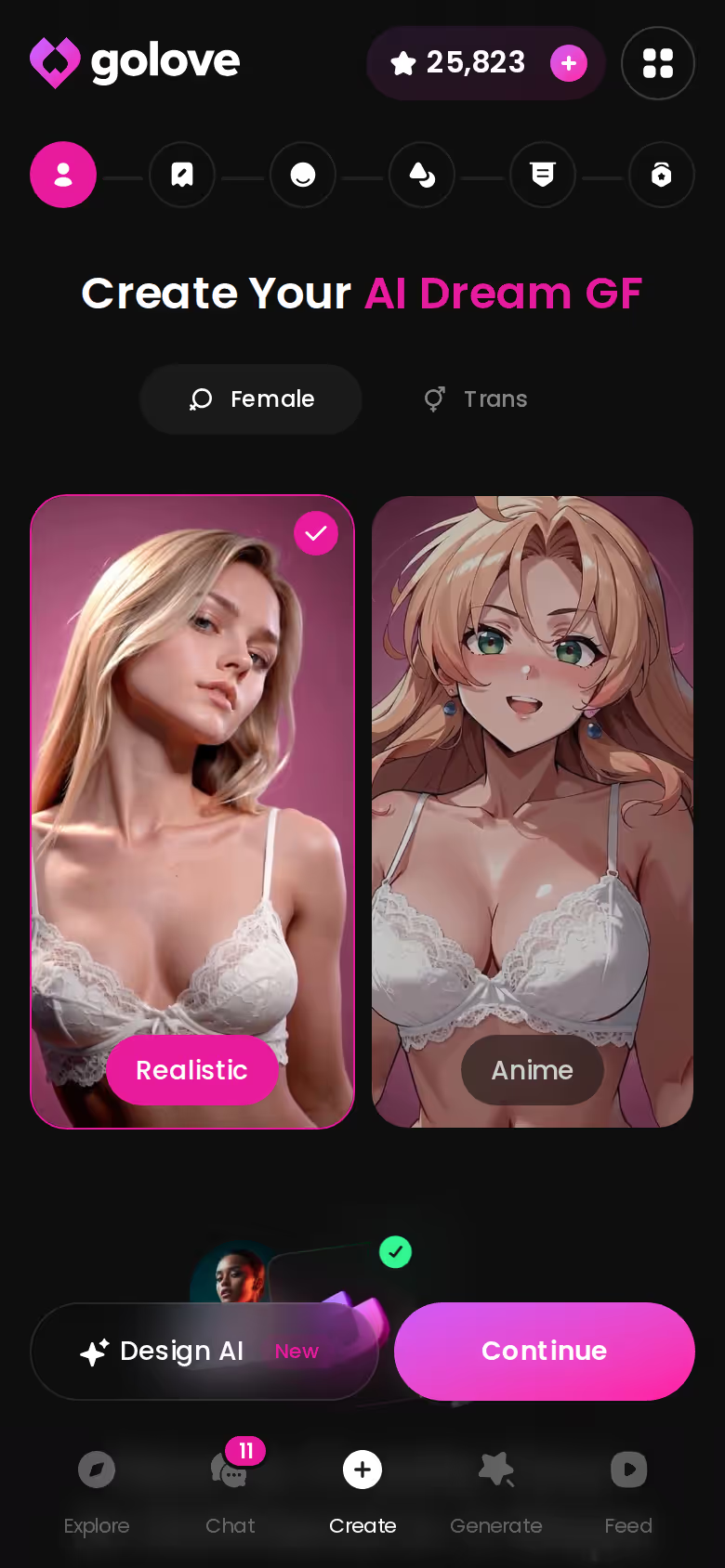
Why style first? It decides which toolkit your character inherits later. A Realistic character draws on 35 picture poses and 76 realistic video modes. Anime runs on its own, smaller set of 15 picture poses and 20 video modes, and Trans has another set of 27 and 35. Pick Anime on a whim and you've changed every scene she can be cast in down the line, so choose with the show in mind, not the thumbnail.
On gender, the honest version: the options are female and Trans. Explore's gender filter lists Male as "Soon," so you can't build a custom boyfriend yet.
The wizard is one of two ways in, and it suits people who like picking from options. The other is for people who'd rather write. You type a plain-text brief and it becomes a character. That's next, and it's quietly great.
A Character Brief Written Like a Show Pitch
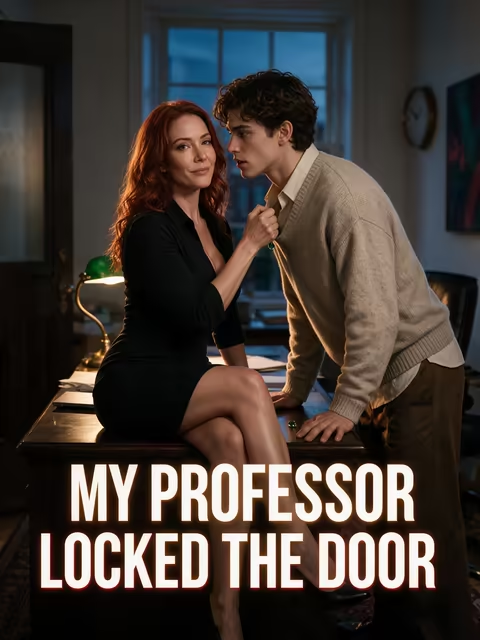
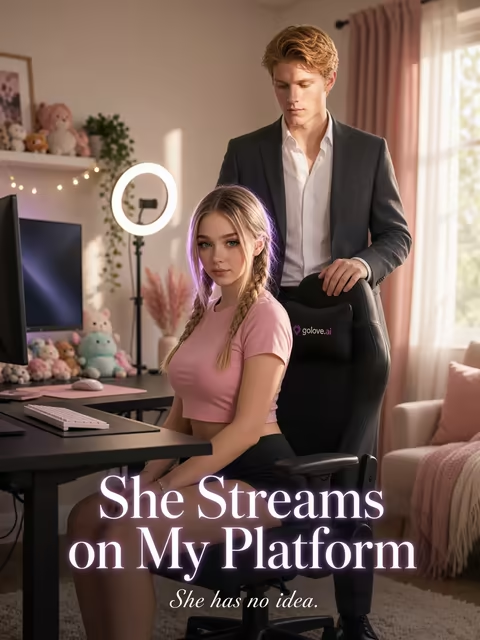
Think about how a vertical-drama logline works. One line of setting, one hook, one hint of attitude. "She Streams on My Platform" does it in a breath: a streamer drowning in debt, and a landlord who secretly owns her platform. Design with AI asks for the same shape.

 Watch Popular Shows starring your
 favorite AI characters.
Here's a scenario. You write that she runs the late shift at a rooftop bar, that a regular once promised her a record deal and vanished, and that she talks in short, teasing lines that go soft after midnight. That's a brief. The box takes up to 2,000 characters, which leaves room for backstory, her voice and the things she'd never say out loud (which, for a lead, is usually the good stuff).
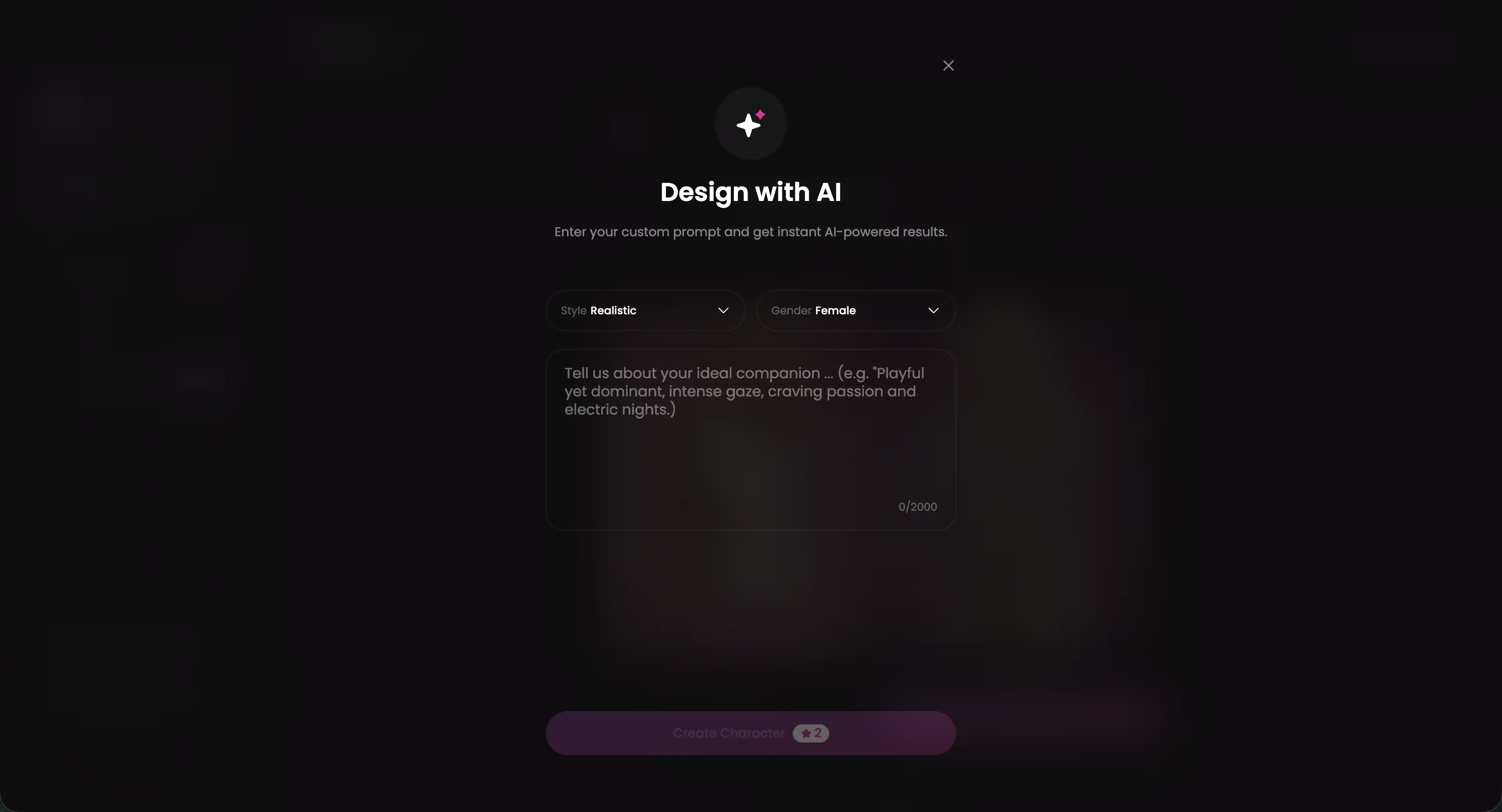
Per the spec, that text comes back in about a minute as a named character with her own @handle, a written bio and a portrait, at around 3 Stars a run. From there you can chat with her, request photos or put her in video.
Characters you can open right now
Tap any of them and the chat starts there




> People underrate the bio. The portrait gets the attention, but the bio is her script, and the chat performs from it.
She starts out Private, so nobody else sees her. Publish her through My AI and a public character can earn her creator Stars. That turns it into a casting call that pays off when an audience likes your lead.
Same Face in Every Photo Is the Real Test
An avatar only matters if the next image still looks like her. This is exactly where immersion breaks in this category: her jawline drifts by photo three, the scene falls apart, and suddenly you're flirting with a stranger.
The short version: GoLove.ai puts live voice calls, memory and photos on request in one chat, and its image generator adds 35 realistic poses and 21 outfits. You also get 2 reward stars every day you log in.
GoLove documents the loop like this. In any chat, tap the media button, choose Send Photo and describe the scene in your own words. A photo of that same character arrives in roughly 20–45 seconds for 1 Star, with face and body consistent with the avatar and earlier photos. Explicit requests work for adult characters.
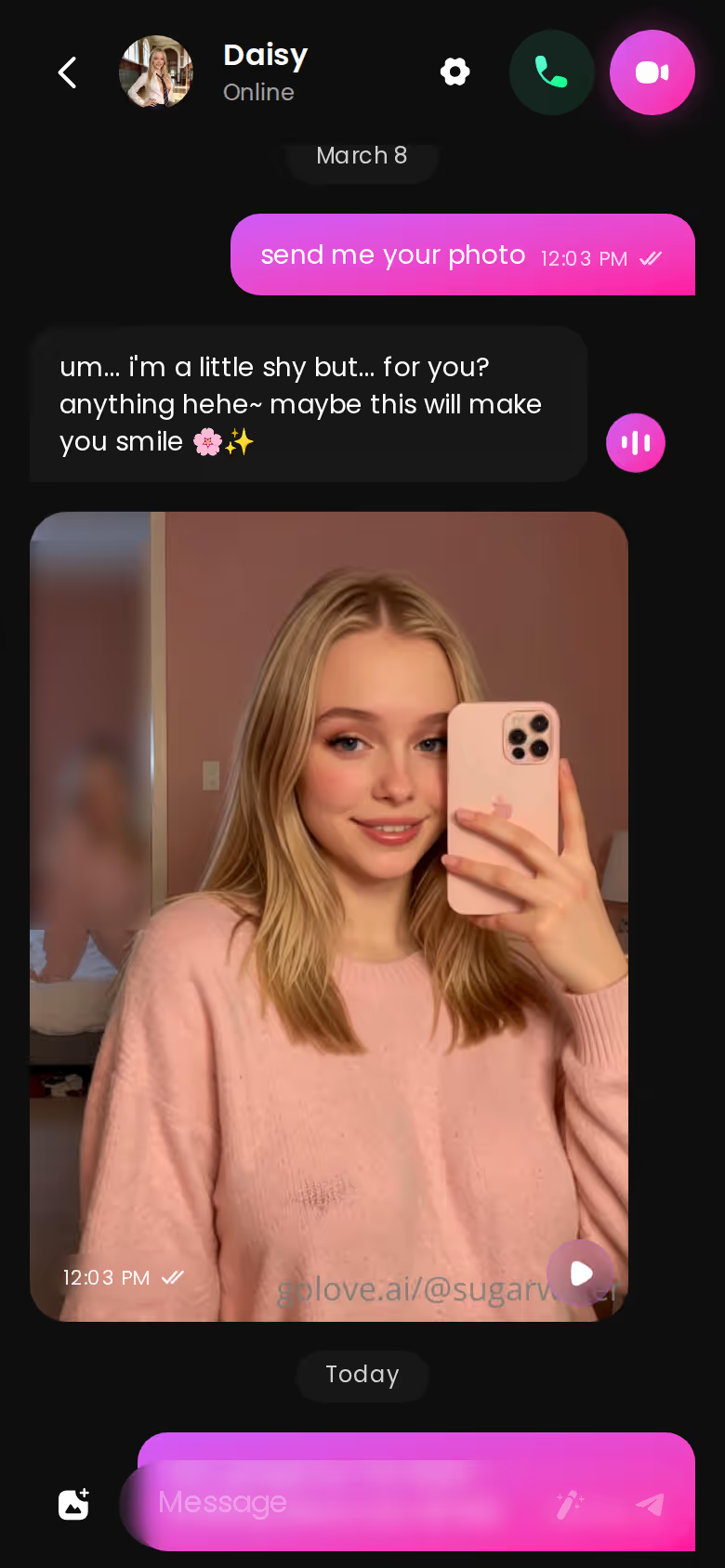
Under any photo there's a one-tap Generate Video that turns that exact scene into a roughly 5-second clip in about a minute, for 10 Stars. A Video Note works differently. You tell her what to say or do, and you get a round talking clip with sound, also 10 Stars.
Memory keeps the chat history. The bar, the vanished regular and whatever you told her last Tuesday all stay part of her story.
Then there's the part that makes this feel like a show and not a profile. Group photos fit up to 3 characters in one custom image. Scenarios run a group chat with 2 to 10 characters, each answering in her own voice, and a "Continue" button lets them carry the scene between themselves. Your rooftop bartender can share a frame with Lexie, or end up in a scene with Annie. That's a lead joining an existing cast.
NO FILTERS, NO LIMITS
Zero filters, zero judgment, all night.

Putting Her on Film, and What That Costs
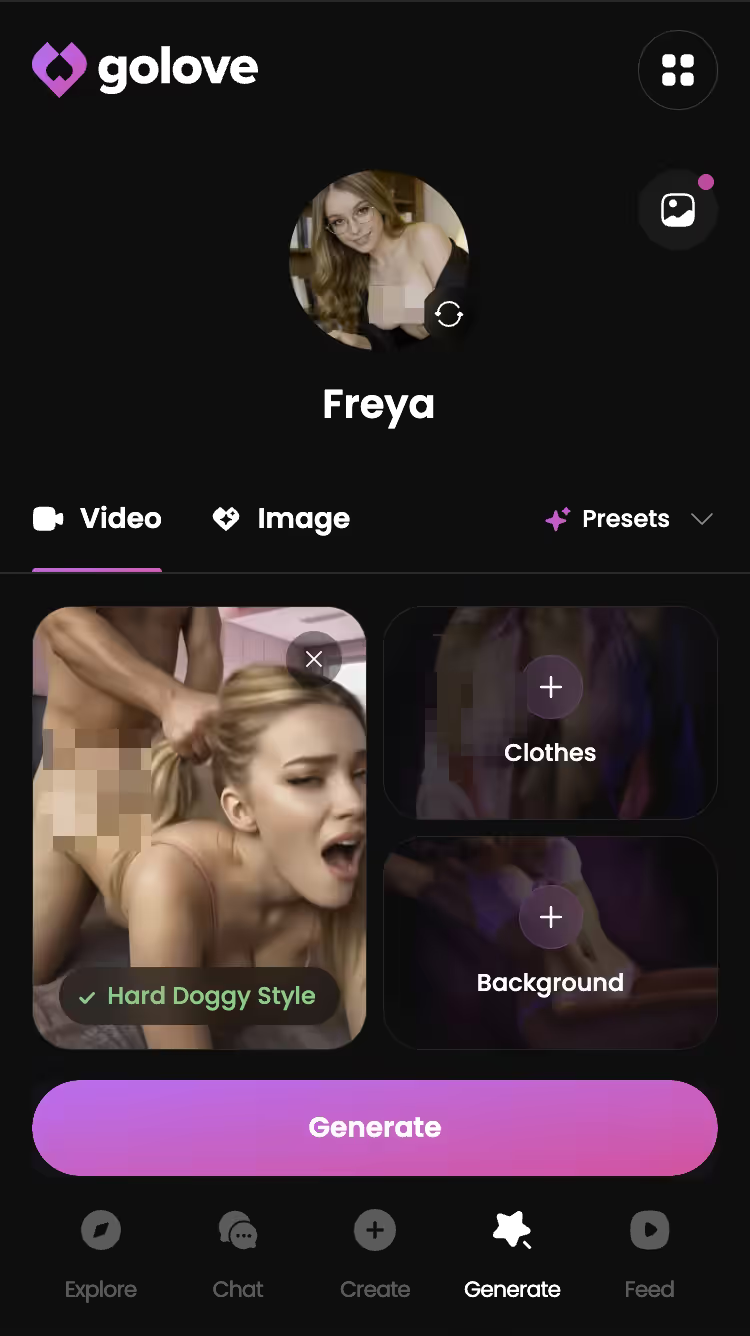
Once she's built, the Video tab in Generate treats her like any star. Swap in your /create character from the avatar switch in the top right. Then assemble a clip from preset cards (an action such as 'Twerk' or 'Hard Doggy Style', plus clothes and background), or go Custom Video or Image to Video instead. Output runs at 480p, 720p or 1080p, and a 720p video costs 10 Stars.
Now the money side. These are approximate and vary by region and promo:

| Plan | Price (approx.) | What you get |
|---|---|---|
| GoLove PRO | ~$19.99/mo or ~$119.88/yr (checked 2026-10) | 100 Stars/month, all NSFW, character creation, unlimited Feed |
| GoLove ULTRA | ~$59.99/mo (checked 2026-10) | Stronger models, 8,000-message memory, more monthly Stars (amount not confirmed) |
| OurDream Premium | From ~$19.99/mo, or ~$9.99/mo billed annually (checked 2026-09) | Chat, images and video in one subscription, drawing on 1,000 DreamCoins per cycle |
| OurDream Deluxe | ~$59.99/mo, or ~$29.99/mo annually (checked 2026-09) | Higher tier of the same bundle |
OurDream earns its row honestly. If per-action Stars feel kinda janky to you, its bundled subscription is a real one. The catch: its character builder has a steeper setup curve, and it's web-only, with no native mobile app.
On GoLove, PRO's 100 monthly Stars work out to a hundred photos, ten 720p clips, or some mix of the two. That's the trade-off. You pay per scene, and in return every scene uses the face you cast.
What We Couldn't Verify at GoLove.ai
A few things we couldn't confirm. They're worth checking yourself.
Before you build your first character
- Offer length. New visitors see a "limited-time" −70% first-subscription offer. We could not confirm how long it runs, so treat any deadline you imagine as unknown.
- Free tier. Beyond the 2 daily reward Stars, a limited daily Feed and Series episodes 1–2, we could not confirm what a free account can do. Check the current plans in the app before counting on more.
- We couldn't pin down the exact monthly Star amount on ULTRA.
- Memory depth. ULTRA lists 8,000-message smart memory. How far memory reaches on lower plans, we could not confirm.
- Library size. Photo and video counts on the cast's profiles vary from character to character, so we can't give one number for how much content a star already has before you start casting next to her.
And here's what is documented, which is the part this search is actually about. You build your lead two ways, by wizard or by written brief, or you pick a ready-made character from Explore. Photos come back with the same face and body as the avatar and earlier shots. Any photo can become a short clip, and the generator takes your character like any star. The open questions are pricing edges. None of them touch whether the core loop works.
and watch their story unfold.View Character
What I'd Do After Episode Two
Here's how I'd spend an evening on this. Watch episodes 1 and 2 of "My AI Girlfriend" or "She Streams on My Platform" for free. When the screen cuts out, tap Start Chatting with the cast and ask Lexie or Annie for a photo, just to see what a star character does after the credits.
Then open Create and write a brief for a lead of your own, the way you'd pitch a show.
If you'd rather have images and video bundled into a single subscription, and a web-only builder with a steeper setup curve doesn't bother you, OurDream is the pick. For this search, though, it's GoLove.ai. Your custom avatar keeps the same face across chat photos, photo-to-video and the generator, and she can share scenes with the Series cast.
> Verdict: GoLove.ai is the custom-avatar app where the character you design actually gets to perform afterward. > Who it's for: adults who'd rather cast a lead and put her in scenes than tweak an editor and stop there.
Your brief can run up to 2,000 characters, and she comes back with a name, an @handle and a portrait in about a minute. Write her tonight, while the episode is still in your head.
See also: Kindroid Review After Three Months and Erotic AI Drama.
Frequently Asked Questions
Related Articles
Erotic AI Drama: 5 Series Where the Cast Chats Back
Erotic AI drama verdict: GoLove Series wins — 5 vertical 18+ shows whose stars you can chat with after each episode. See the 32-episode lineup.
Sensual AI Drama: GoLove Series and OurDream Compared
Sensual AI drama compared: GoLove wins on Series — short 18+ shows whose stars you can chat with after. Episodes 1–2 open in the player — see the lineup.

Kindroid Review After Three Months: Memory and Cost
Kindroid review after three months: strong memory, paid from day one. GoLove.ai wins on Series — watch an episode, then chat with its star.