

AI Companion App with Voice Notes: Talking Video Notes
Voice Notes in Two Companion Apps: The Spec Sheet
Episode 2 of "My AI Girlfriend" cuts to black, and what you want next isn't episode 3. You want Lexie saying something to you, out loud. An AI companion app with voice notes is supposed to close the gap between watching a character and hearing her answer you. So here are the voice rows, side by side.
GoLove.ai is my pick for voice notes. It stacks three voice layers, and the voices belong to a cast you already know from the Series.
| What you get | GoLove.ai | OurDream |
|---|---|---|
| Voice on character messages | Playback button on every message; voice messages & calls on PRO | Voice offered, paid from the DreamCoins balance |
| Talking video note | Round video with sound, under 90 s, 10 Stars | Not confirmed |
| Entry price (tie) | About $19.99/month or about $119.88/year (checked 2026-10) | From about $19.99/month, or about $9.99/month annual (checked 2026-09) |
| Monthly allowance | PRO: 100 Stars | Premium: 1,000 DreamCoins (different units, not comparable) |
| Bundle simplicity | Media spends Stars on top of PRO | Wins: chat, image and video in one subscription |
| Free entry | 2 daily Stars + episodes 1–2 of every Series | Not confirmed |
| Platform | Mobile layout: Explore / Chat / Create / Generate / Feed | Web-only |
Rows 2 and 6 are the ones that decide this search. A talking clip is a different object from a play button. And a free way in lets you meet the voice's owner before you pay anything. Prices vary by region and promo.
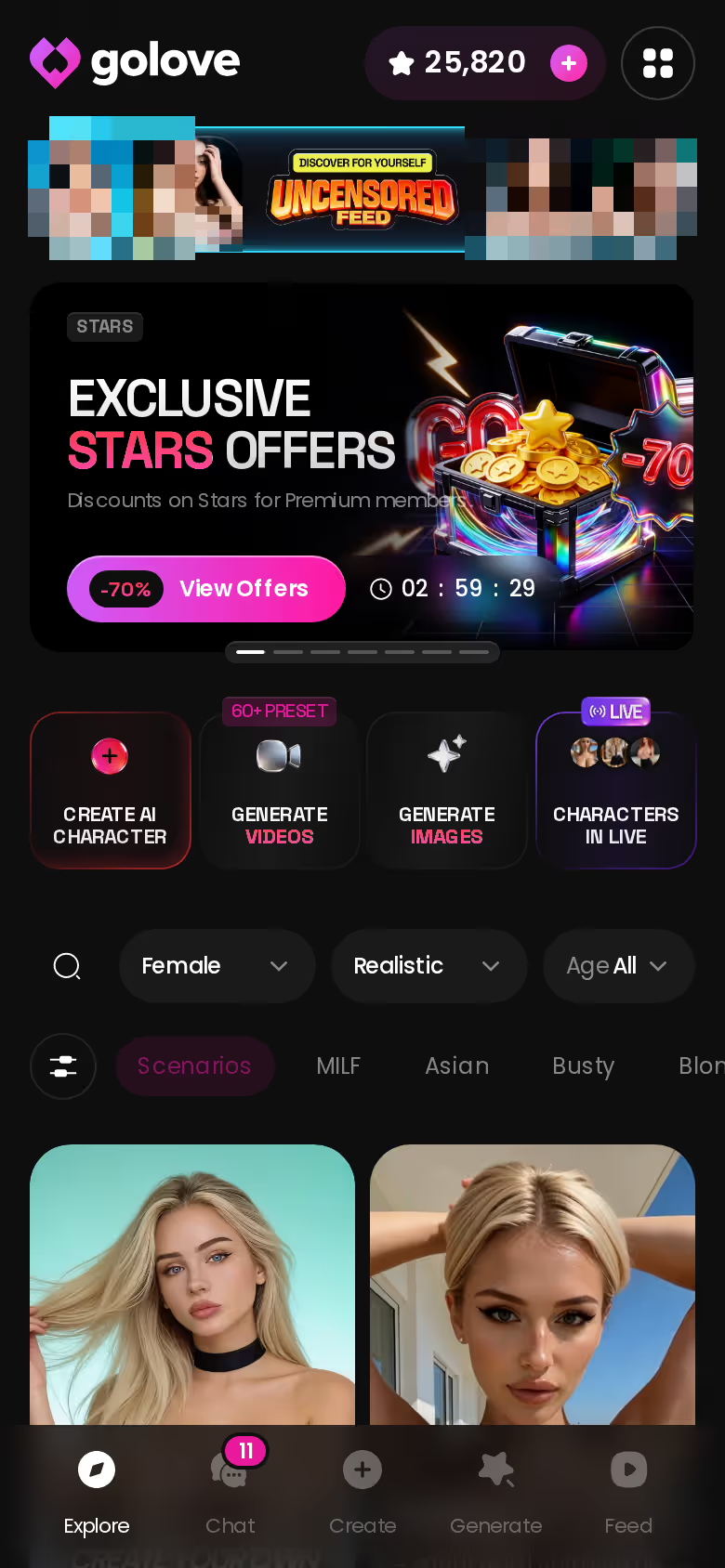
Episodes 1 and 2 cost nothing, which makes this the cheapest way to judge a voice: watch her first, then open her chat the second the episode ends.
Playback, Voice Messages, Video Notes: Three Different Things
People say "voice notes" and mean three separate features. Each one costs something different, so let's take them one at a time.
NO FILTERS, NO LIMITS
Zero filters, zero judgment, all night.

The playback button on every message
Every character message comes with a voice playback button, so any line she types can be played aloud. That's table row 1. Voice messages proper are a PRO feature.
 7 episodes
 5 episodes
 5 episodes
 5 episodes
 5 episodes
 7 episodes
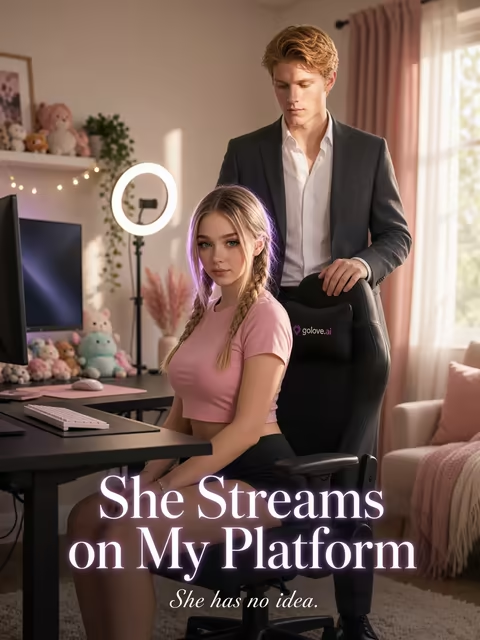 6 episodes
 9 episodes










Voice messages and calls sit behind PRO
Both voice messages and voice calls are PRO. We could not confirm a Star cost for either, so I won't put a number on it. The phone icon in every chat starts a call, and for this article that's all you need to know about calls.
The Video Note: a round talking clip
Row 2. It's the round "talking selfie" that messaging apps made familiar, except she's the one recording it.
- Tap the media button in the chat.
- Choose Send Video Note.
- Type what she should say or do.
> under 90 s — from your request to a round video with sound > 10 Stars — per Video Note
With a voice message, you hear her. With a Video Note, you watch her say it. If you're coming off a vertical drama, that second one is the closest thing to the show turning around and talking back to you.
Pick Her Voice Before She Says a Word
Here's the walkthrough. Open the chat, tap Chat Settings, scroll the voice picker, and choose how she sounds before she's said anything at all. Settings save per character, so tuning one companion leaves the others alone.

 Watch Popular Shows starring your
 favorite AI characters.
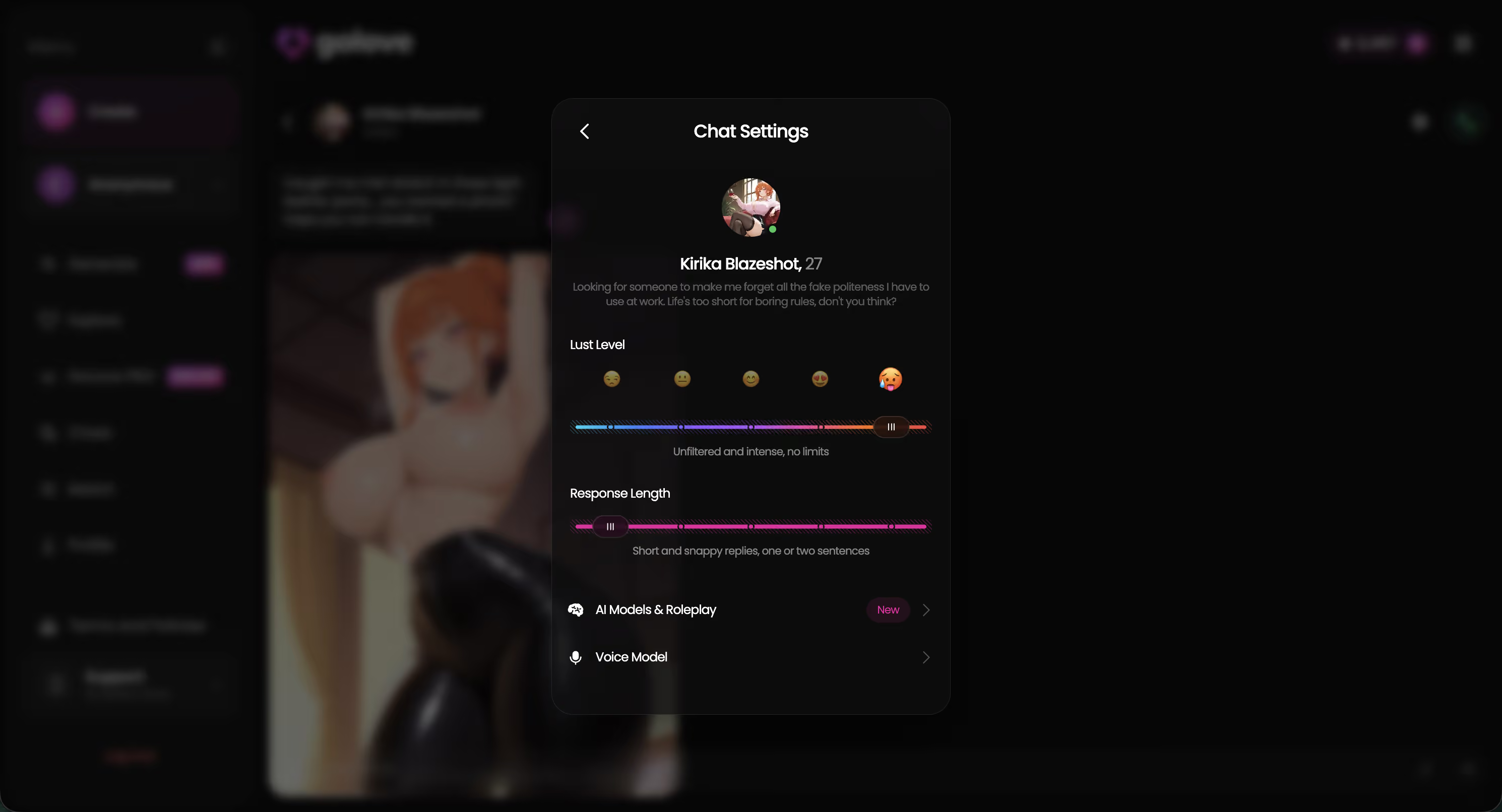
The voice picker
Of everything in this panel, this is the setting that most decides whether she sounds right. The rest changes what she says; the voice picker changes how it lands once she says it.
Lust Level and Response Length
Both sliders have five steps, and both shape the words before playback turns them into audio:
- Lust Level: 1 is sweet and wholesome, 5 is unfiltered and intense.
- Response Length: 1 is short and snappy, 5 is rich and immersive.
- Steering: the magic-wand button writes 3 suggested replies, and you can rate any reply 1–5 and regenerate it.
Length matters more aloud than it does on screen. A snappy level-1 line sounds like a reply. A level-5 paragraph is exactly where I'd expect the immersion to fall apart, because a long block read aloud stops sounding like her and starts sounding like narration. For voice, a middle setting is probably the sweet spot.
From a Free Episode to Her Voice in Your Chat
Row 6, and my home turf. GoLove's Series are Netflix-style vertical 18+ short dramas. As of 2026-10-12 there are 5 series and 32 episodes, each one 60–100 seconds in 9:16 with subtitles in nine languages. New episodes come out every week, per GoLove.
Episodes 1 and 2 are free
Episodes 1 and 2 of every series play free, no account needed, because the anonAuth link drops you straight into the player. From episode 3, a free account needs PRO, and PRO members unlock each further episode for a few Stars. So no, not every episode is free. That episode-3 lock is the precise moment the binge breaks and the wallet comes out.
Characters you can open right now
Tap any of them and the chat starts there




Start Chatting with the cast
Under the player there are three buttons:
- Follow Series
- Start Chatting with the cast
- Create Video and Create Image of the cast
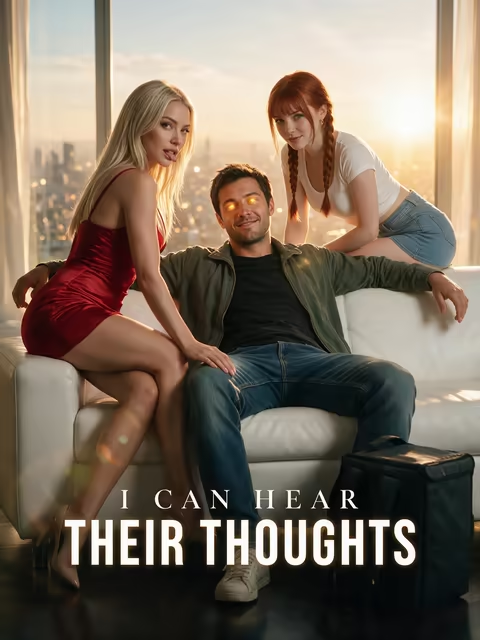
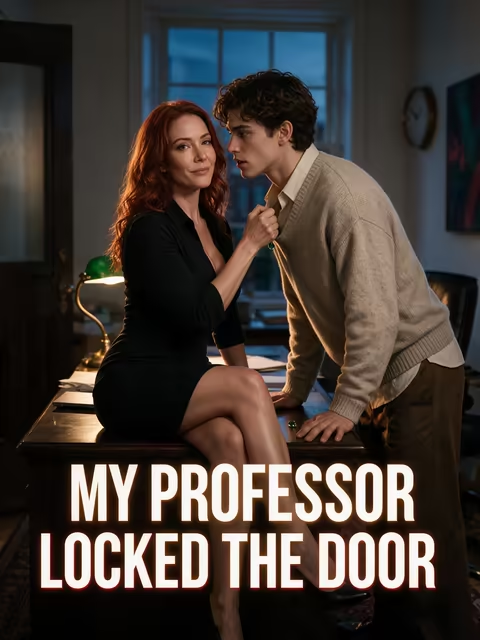
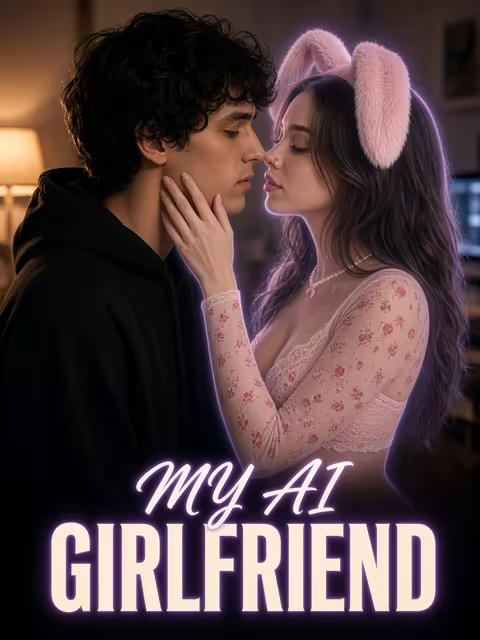
Tap anyone in the cast list and you get her profile, then her chat. "My AI Girlfriend" (7 episodes) stars Lexie (@iamlexiebabe). "I Can Hear Their Thoughts" (5) has Barbara (@dixie) and Melissa (@melissdelish). "My Professor Locked the Door" (5) has Jessica (@HotlineJess) and Daisy (@sugarwater).
Is the voice the same character from the episode? Yes. The cast list opens that exact character's chat.
Voice, Photos and Video Clips in the Same Thread
A voice note hits harder when the face in her photos matches it. GoLove keeps all of it in one thread.
Request a photo in chat
Tap the media button, pick Send Photo, and describe the scene however you like. About 20–45 seconds later you get a photo of that same character, for 1 Star. Her face and body stay consistent with her avatar and the earlier photos she sent, and explicit requests work with adult characters. Don't feel like typing? The quick-reply chip "Send me a sexy video" sits right there.
Turn that photo into video
Every photo has a one-tap Generate Video underneath. It makes a roughly 5-second clip of the same scene in about a minute, for 10 Stars.
Multi-Scene in the video generator
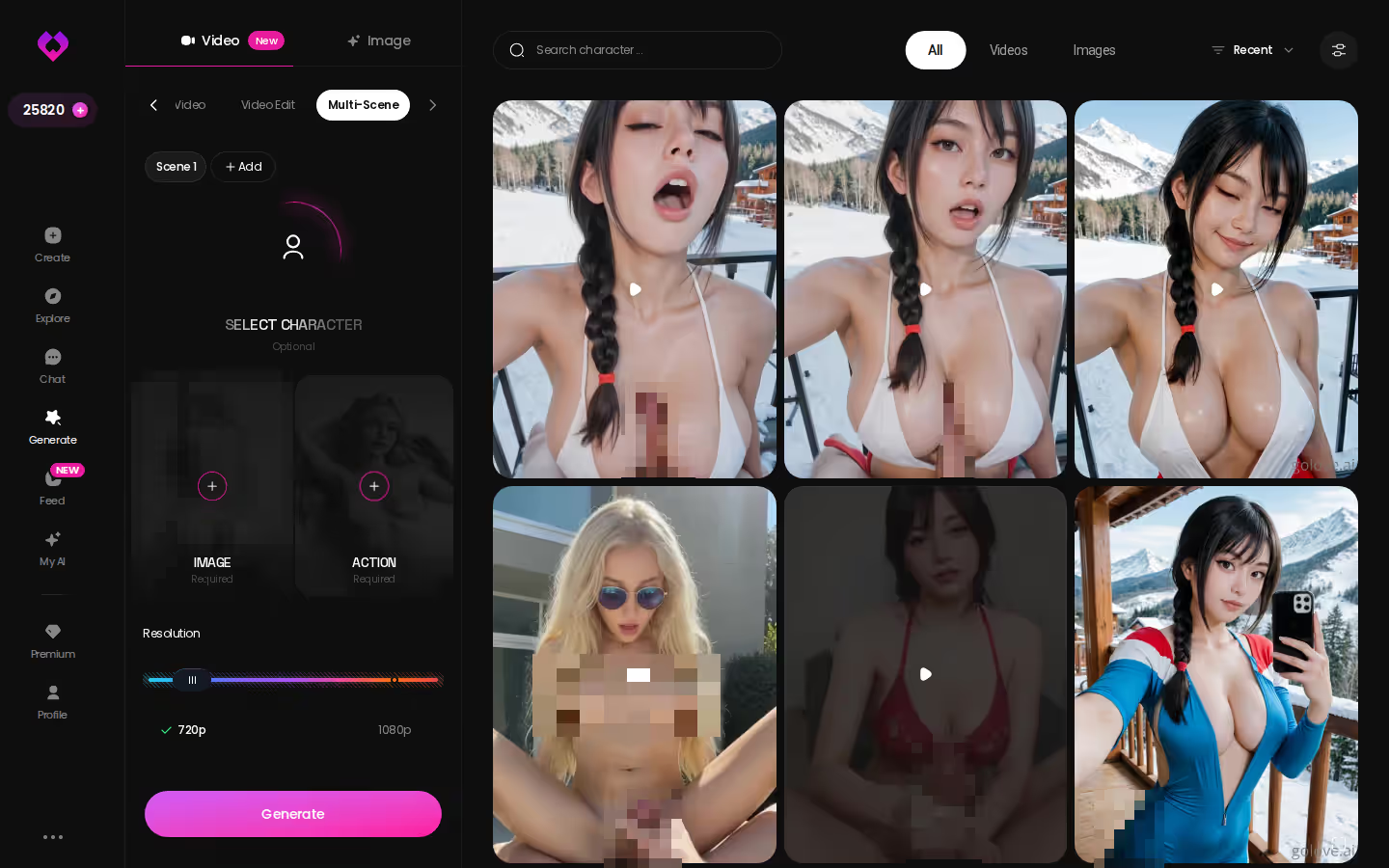
Multi-Scene chains several moments into one video. You can run 1, 2 or 4 videos at a time, pick 480p, 720p or 1080p, and add audio. A 720p video is 10 Stars.
- Photo: about 20–45 s, 1 Star
- Photo-to-video: about 1 min, 10 Stars
- Multi-Scene: several moments, 720p for 10 Stars
Voice, photos, clips: all the same character. That consistency is the thing holding this whole setup together, and it's why the voice reads as hers instead of a generic narrator's.
MEET YOUR AI COMPANION
Hundreds of characters, one that fits you.

Build a Companion, Then Give Her a Voice
Nobody in the cast quite right? Build your own. There are two routes.
GoLove.ai, myth vs. fact:
- Myth: She forgets you the moment the tab closes — Fact: She remembers your chat history
- Myth: Voice is a gimmick you try once — Fact: Live voice calls, voice messages and a voice picker in Chat Settings
- Myth: Every "photo" is the same stock render — Fact: She sends photos on request, and the image generator has 35 realistic poses and 21 outfits
- Myth: You can't change how she talks — Fact: Chat Settings set her lust level and reply length
The create wizard
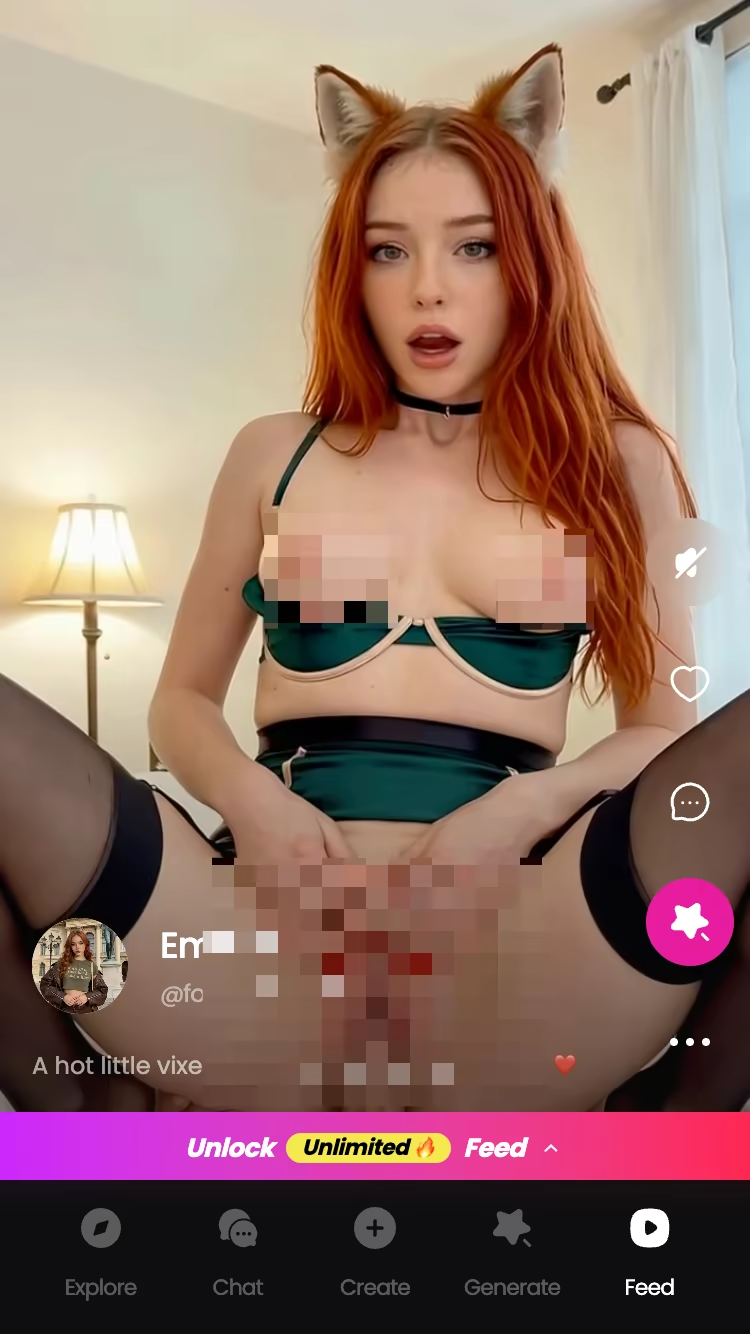
Pick a style and tap Continue. The options:
- Realistic
- Anime
- Trans
Design with AI
Describe her in plain text, up to 2,000 characters. About a minute later you have a named character with her own @handle, a written bio and a portrait, for roughly 3 Stars as observed. New characters start Private. Make one public and she can earn you Stars through My AI.
Once she exists, open Chat Settings and choose her voice in the same picker from section 3. That's the full loop (and the part I like best): you write her, you give her a voice, she answers you aloud.
Design with AI takes about a minute and roughly 3 Stars, so you could be hearing a character you wrote yourself before your coffee gets cold.
Who GoLove.ai Is NOT For: Free-Only Listeners and Boyfriend Seekers
Here's where the paywall sits, laid out plainly.

Pros
- Three voice layers: playback on every message, PRO voice messages and calls, and the round Video Note.
- Series on-ramp: two free episodes, then a direct line to that star's chat.
- Consistency: the same character across voice, photos and video, with Memory keeping your history.
- Per-character Chat Settings: voice, Lust Level and Response Length for each companion.
Cons
- Voice is PRO. A free account gets 2 daily Stars, a limited Feed and episodes 1–2 of each Series. Voice messages and calls aren't part of that.
- Stars on top. Video Notes and clips spend Stars on top of the subscription.
- No men yet. The Explore filter reads "Male (Soon)". Want an AI boyfriend? Skip it for now.
- It's a companion. She's an AI character, not a replacement for a real relationship.
My honest take: skip GoLove if you only want free voice, or if you're after a boyfriend. For everyone else, this is a voice companion that turns quietly great once PRO is switched on.
and watch their story unfold.View Character
PRO Stars vs DreamCoins: Re-Reading the Voice Rows
Back to the numbers, and the rows that actually decide this.
What a month of PRO buys
PRO runs about $19.99/month or about $119.88/year and includes 100 Stars that refill every billing month. The plan card's baseline is 1 Star per image and 5 Stars per video. Some media costs more than that:
- Video Note: 10 Stars
- Photo-to-video: 10 Stars
- Refills: Star packs from about $9.99 for 30 up to $299.99 for 3,000
ULTRA is about $59.99/month and adds 8,000-message memory and stronger models. New users also see a limited-time −70% offer on their first subscription.
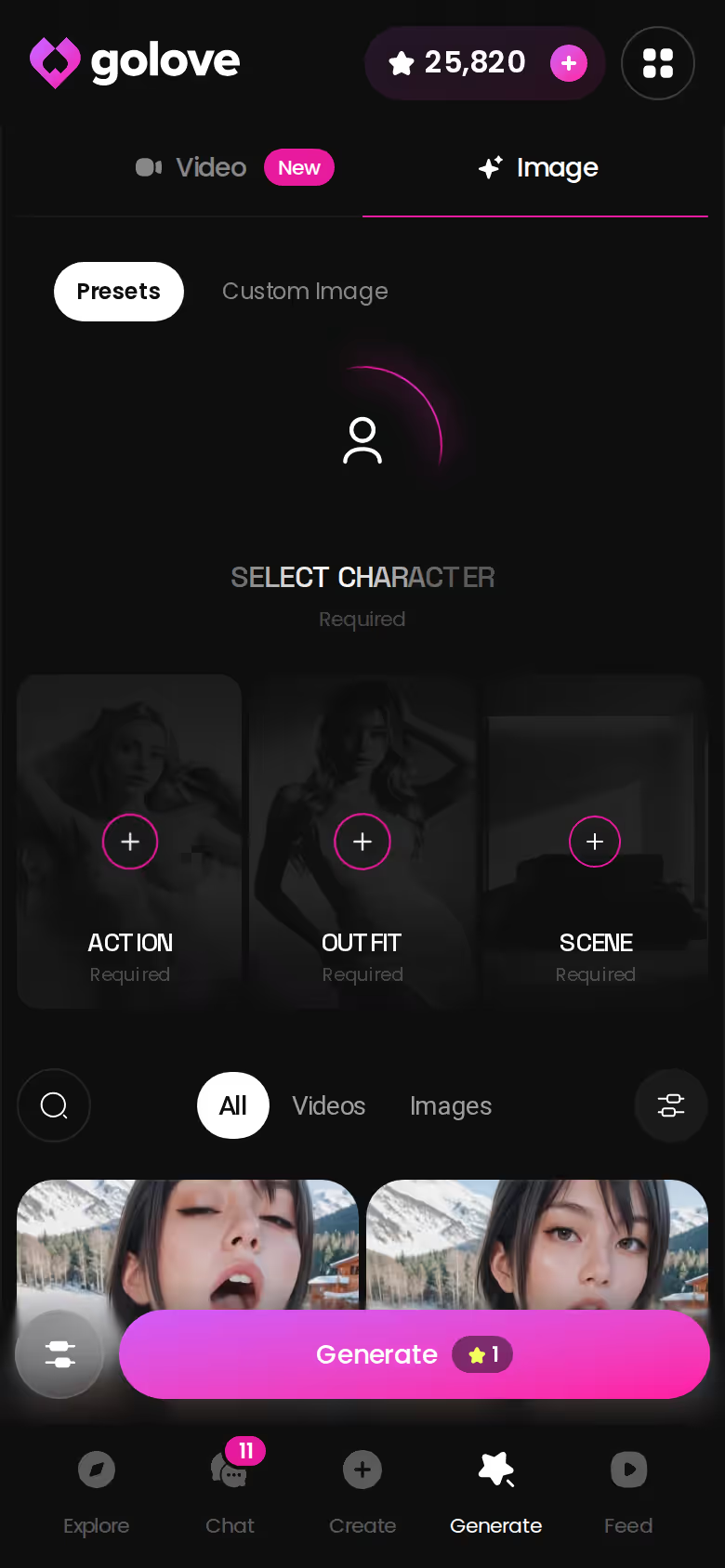
Don't let the bigger number fool you. 100 Stars and 1,000 DreamCoins measure different things, so neither figure means much on its own.
Where OurDream is the better fit
Credit where it's due: OurDream starts at the same price and bundles chat, image and video into one web subscription. If you'd rather have one subscription covering all of that than juggle PRO plus Stars, it's the better fit.
> Verdict: GoLove.ai is the voice companion that already has a cast you've watched, plus a 10-Star talking Video Note on top. > For: Series bingers who want the star of the episode to answer them, out loud.
All prices are approximate, checked 2026-10, and vary by region and promo.
GoLove.ai is my pick because it gives a voice to the character you already watched and stacks a talking video note on top.
Frequently Asked Questions
Related Articles

AI Companion Apps with Custom Avatars: Cast Your Own
AI companion apps with custom avatars: GoLove.ai wins on consistency — your custom character keeps her face in chat photos and video. See how you build her.

Sensual AI Drama: GoLove Series and OurDream Compared
Sensual AI drama compared: GoLove wins on Series — short 18+ shows whose stars you can chat with after. Episodes 1–2 open in the player — see the lineup.
Erotic AI Drama: 5 Series Where the Cast Chats Back
Erotic AI drama verdict: GoLove Series wins — 5 vertical 18+ shows whose stars you can chat with after each episode. See the 32-episode lineup.

Kindroid Review After Three Months: Memory and Cost
Kindroid review after three months: strong memory, paid from day one. GoLove.ai wins on Series — watch an episode, then chat with its star.